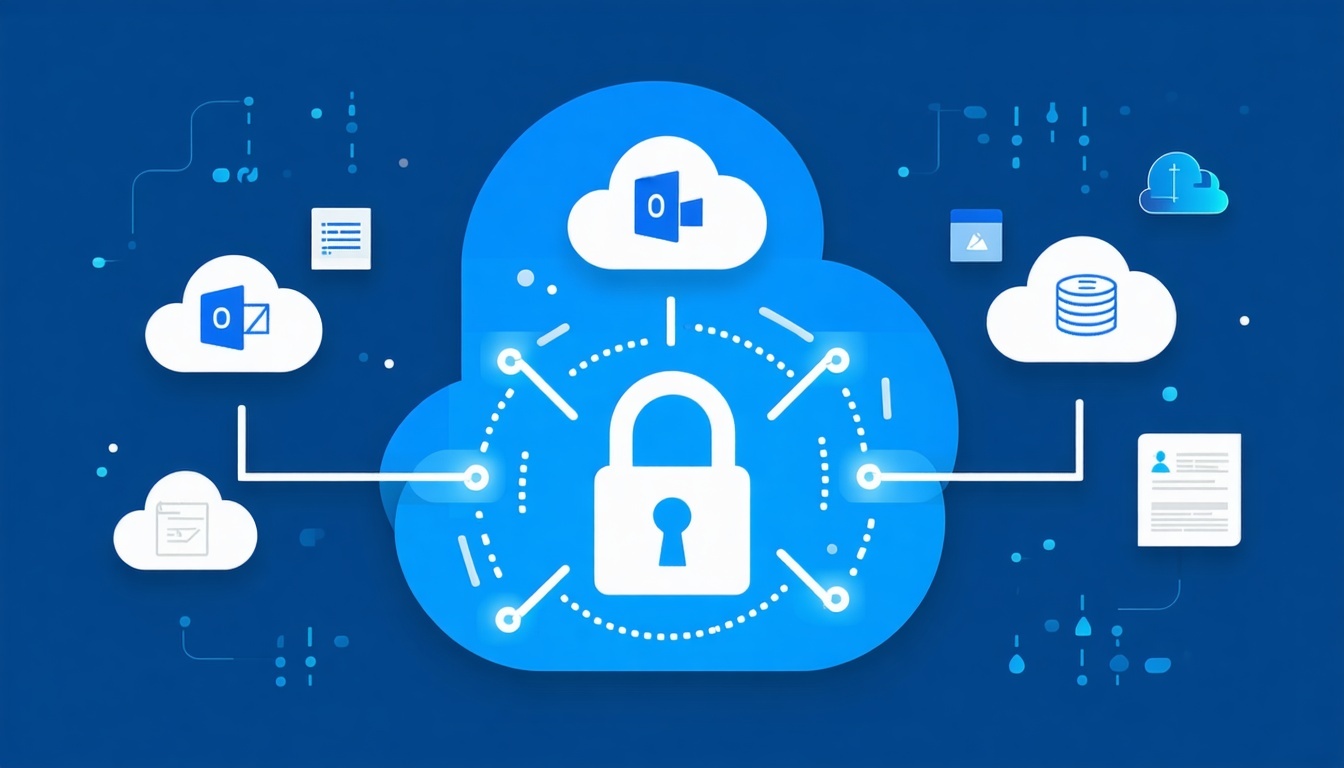
Cloud icons Outlook Teams Google Drive etc connected to a lock or backup vault graphic-1

SaaS Backup for Microsoft 365, Google Workspace & More

Your cloud apps power daily work—but they don’t fully protect your data. Securafy’s SaaS Backup ensures your emails, files, chats, and calendars stay secure, recoverable, and compliant, even when accidents, ransomware, or user errors happen.

See What Clients Are Saying in Our Google Reviews

We rolled out a new password policy and accidentally locked out half our team, including me. Total facepalm moment!!

Support could’ve laughed (and maybe they did), but Randy and his team were in cleanup mode right away.

They helped us recover access, reset MFA across devices, and flagged a few other risky settings we hadn’t even touched.

— R******d R.

Sorry Randy for the late review but here goes!

We had an SSL cert expire unexpectedly and suddenly half the team couldn’t access tools we rely on daily. It caused immediate chaos with emails bouncing, services blocked. We flagged it to Securafy and within minutes, they were already replacing it, verifying dependencies, and making sure nothing else broke. Lifesavers.

— R*****e R.

sometime last month our office network dropped across all floors. Phones went down the cloud drives inaccessible all projects stalled.

Randy's brilliant team remoted in, coordinated with our ISP, reconfigured backup routing and even walked someone through physical resets while staying on the line. you're never gonna get that kind of hands-on support remotely elsewhere!

— G****s A.

I had a live webinar and completely forgot my admin login to the platform 15 minutes before it started. Total brain fog.

I messaged the Securafy team in a panic, and they had my access reset and working in less than five minutes.

It’s a tiny thing, but that kind of quick support in crunch moments makes a huge difference.

— W****e L.

We had a traveling exec who needed a laptop, VPN, phone app, and email configured across multiple devices in under 48 hours.

Randy and the team shipped the hardware, preconfigured everything, even walked her through setup on a spotty hotel connection.

By the time her first meeting started, everything was working. Honestly don’t know how they pulled that off so smoothly.

— J**E R.

I worked with too many vendors to know which ones are actually reliable. this team is really fast, chill w/ non-tech peeps like me, and got our patient intake system secured without making things a pain.

We feel safer and we trust em.

— M**K Z.

Weve been working with Securafy for a while now, and honestly, it’s the kind of tech support you stop thinking about and i mean that in the best way possible. Things just work. When they don’t, you barely have time to get frustrated before someone’s already looking into it.

catching issues before they turn into problems, helping out with quick fixes, or rolling out bigger updates with zero drama. just solid, steady support that you can count on. thanks Securafy!

— A**y V.

Our old provider was hit or miss. We run events and bookings almost every day, and downtime just isn’t an option. They’re proactive and fixed our payment system latency.

— R***H R.

Tom Bak was so great, fantastic service as usual ! Thanks Tom

— S****a H.

Protection That Strengthens Every Layer of Your Cloud

Cloud productivity is powerful—but only if your data is protected beyond native retention limits. Securafy’s SaaS Backup adds a dedicated safety layer to Microsoft 365, Google Workspace, and other cloud apps, ensuring your business data stays recoverable, compliant, and resilient.

Operational

Reliable Data Recovery

Accidental deletion, sync issues, and overwrites are no longer permanent. Our backups ensure files, mailboxes, and shared data can be restored quickly—without disruption.

proactive

Ransomware & Insider Protection

If cloud data is encrypted, corrupted, or intentionally removed, your backups remain untouched—giving you a clean recovery point when it matters most.

compliance-2

Compliance-Ready Retention

Long-term, encrypted backups support audit requirements, legal holds, and regulatory retention rules beyond what SaaS providers offer by default.

Reserve a 15-Minute SaaS Backup Strategy Session

How Securafy Protects Your SaaS Data With Secure, Verified Backups

Proactive operations

Automated Multi-Daily Backups

Backups run automatically (up to multiple times per day), so your protection doesn’t depend on a user remembering to save or IT remembering to check.

Threat visibility

Granular File, Folder, and Mailbox Recovery

Restore exactly what you need—single emails, mailboxes, OneDrive files, SharePoint folders, Teams data, or Google Drive items—without rolling back everything.

Compliance support

Encrypted Cloud Storage With Controlled Access

Your backup data stays encrypted in transit and at rest, with role-based access controls so only authorized users can access restores.

Guardrails by default

Long-Term Retention for Compliance and Audits

Set retention rules that match your needs—helpful for regulated industries and legal requirements where “recycle bin” retention isn’t enough.

Threat visibility

Protection Against Ransomware and Insider Actions

If cloud data gets encrypted, corrupted, or intentionally deleted, you still have clean restore points outside the affected account activity.
Threat visibility

Monitoring, Reporting, and Restore Readiness

We track backup health, failures, and restore activity—so you’re not finding out there’s an issue when you’re already in an incident.

Built Into Our DNA: Secure, Verified, and Human-Led Backups

SaaS backup isn’t something you set once and forget. Backups must run consistently, restore cleanly, and meet compliance expectations when it actually matters.

At Securafy, every backup system is monitored, tested, and supported by real engineers—so recovery works when you need it most.

Transparent Accountability
Human-Verified Backups

Engineers monitor backup health and validate restore readiness—no blind automation.

AI Amplification
Fast, Granular Recovery

Restore emails, files, folders, or entire accounts without rolling everything back.

Data Protection
Security-First Design

Encrypted storage, role-based access, and strict separation from production data.

Compliance Integrity
Audit-Ready by Default

Retention policies and restore logs support audits, legal holds, and compliance needs.

A Smarter First Step Toward Preventing Costly Breaches and Downtime

Most businesses don’t realize they’ve been compromised until something breaks. Stolen credentials don’t always trigger alerts — they trigger downtime, account lockouts, ransomware, and client-facing outages days or weeks later.

Before committing to tools or long-term services, start by understanding what an incident would actually cost your business.

Our Downtime Impact Calculator helps you quantify the real-world impact of credential exposure — in dollars, productivity, and trust.

What the Downtime Impact Calculator Reveals

Lost Productivity

See how credential-based incidents slow teams down, lock users out, and disrupt daily operations.

Revenue at Risk

Estimate the financial impact of system outages, missed transactions, and delayed client work.

Hidden Costs Most Businesses Miss

Account for recovery time, IT response, reputational damage, and follow-on security work after an incident.

Risk Awareness Before a Breach Happens

Understand how dark web exposure today can turn into downtime tomorrow — without waiting for a crisis.

Security and Compliance at the Core

SaaS backup isn’t just about recovery—it’s about protecting sensitive business data, meeting retention requirements, and ensuring every restore is defensible. Securafy’s SaaS Backup is designed with security, compliance, and accountability built in from day one.

Data Protection

Data Protection

All SaaS backups are encrypted in transit and at rest, stored in secure environments, and isolated from your production systems to prevent tampering or spread during an incident.

Compliance Integrity

Compliance Integrity

Our backup and retention policies support HIPAA, FTC, SOX, ABA, and other regulatory requirements—ensuring your cloud data remains recoverable, auditable, and compliant.

Transparent Accountability

Transparent Accountability

Every backup, restore, and access event is logged and traceable, giving you clear visibility for audits, investigations, and internal reviews.

SaaS Backup FAQs

Clear answers to common questions about SaaS backup, Microsoft 365 backup, Google Workspace backup, cloud data protection, and recovery.

SaaS backup is a third-party data protection solution that creates independent, recoverable copies of data stored in cloud applications such as Microsoft 365 and Google Workspace. These backups exist outside the SaaS platform itself and are fully controlled by the business.

Cloud applications are designed for availability, not guaranteed recoverability. SaaS backup ensures that data remains accessible even after accidental deletion, ransomware, corruption, or insider actions (NIST Data Integrity Guidance).

SaaS backup focuses on:

  • data ownership and recoverability

  • independent storage outside the SaaS platform

  • full control over retention and restoration

This ensures cloud data remains recoverable beyond native platform limits.

Most SaaS platforms operate under a shared responsibility model. Providers secure the infrastructure and ensure service uptime, but customers remain responsible for protecting and recovering their own data.

Data loss in SaaS environments is commonly caused by human error, malicious activity, or ransomware—not platform outages. Native recovery options are often limited in scope and time (Microsoft Shared Responsibility Model).

SaaS backup is necessary because:

  • deleted data is retained for a limited time

  • ransomware can encrypt cloud-based data

  • user error and malicious actions are common

Without third-party backup, recovery options are often incomplete or unavailable.

Microsoft 365 and Google Workspace provide retention features and recycle bins, but these are not full backup solutions. Retention policies are designed for short-term recovery, not long-term protection or ransomware resilience.

Once data passes native retention limits or is permanently deleted, recovery is not guaranteed. These platforms clearly state that customers are responsible for their own data protection (Microsoft Service Agreement) (Google Workspace Data Retention).

Native limitations include:

  • short retention windows

  • no guaranteed recovery after permanent deletion

  • limited ransomware recovery

SaaS backup fills these gaps with independent, long-term protection.

SaaS backup protects core cloud productivity data across email, file storage, collaboration platforms, and calendars. Coverage includes both user and shared data.

This ensures business-critical information remains recoverable regardless of how or when it was created or modified (CISA Cloud Data Protection Guidance).

Commonly protected workloads include:

  • Microsoft 365: Exchange, OneDrive, SharePoint, Teams

  • Google Workspace: Gmail, Drive, Calendar, Contacts

  • shared mailboxes and user data

This provides complete coverage across essential collaboration tools.

SaaS backup runs automatically on a scheduled basis and captures changes without requiring user action. Frequent backups reduce the amount of data lost between incidents.

Modern SaaS backup platforms use incremental backups to efficiently protect data throughout the day while minimizing system impact (NIST Backup and Recovery Best Practices).

Backup frequency typically includes:

  • daily or multiple daily backups

  • incremental capture of changes

  • continuous protection without user involvement

This minimizes recovery gaps during incidents.

Yes. SaaS backup supports granular recovery, allowing businesses to restore individual files, emails, folders, or records instead of entire accounts.

Granular recovery reduces downtime and prevents unnecessary disruption to users during common mistakes like accidental deletions or overwrites (Microsoft Data Recovery Limitations).

Granular recovery includes:

  • single emails or folders

  • individual files or documents

  • calendar events and contacts

This enables fast, targeted recovery.

SaaS backup retention is configurable based on operational, legal, or compliance requirements. Retention is no longer constrained by the SaaS provider’s limits.

Businesses can retain data for years or indefinitely to meet regulatory, legal hold, or audit requirements (NIST Records Retention Guidance).

Retention options typically include:

  • fixed retention periods (e.g., 1–7 years)

  • long-term or unlimited retention

  • legal hold and audit support

This supports both compliance and business continuity needs.

If ransomware encrypts data inside a SaaS account, SaaS backup enables recovery from clean, uninfected versions stored separately from the live environment.

This prevents attackers from holding cloud data hostage and allows organizations to restore operations without paying ransom (CISA Ransomware Mitigation Guidance).

Ransomware protection includes:

  • isolated backup copies

  • point-in-time restoration

  • rapid recovery without ransom payment

This significantly reduces downtime and financial impact.

SaaS backup solutions use strong security controls to protect backed-up data. These controls are often comparable to or stronger than native SaaS protections.

Security and compliance capabilities align with recognized data protection standards (ISO/IEC 27001 Overview).

Security features typically include:

  • encryption in transit and at rest

  • role-based access controls

  • secure, redundant cloud storage

These controls support audits and regulatory requirements.

SaaS backup is essential for any organization that relies on cloud productivity platforms for daily operations. Data loss affects businesses regardless of size or industry.

Organizations using Microsoft 365 or Google Workspace face constant risk from deletion, misconfiguration, and account compromise. Backup ensures resilience when those events occur (Gartner SaaS Data Protection Trends).

SaaS backup is especially important for:

  • small and mid-sized businesses

  • regulated or compliance-driven organizations

  • companies using Microsoft 365 or Google Workspace

Cloud apps simplify work—but backup ensures data survives mistakes and attacks.

Lock In SaaS Data Protection—Before You Regret It

Accidental deletion, ransomware, and sync issues happen every day—and when they do, native cloud recovery tools often fall short. With Securafy’s SaaS Backup, your Microsoft 365 and Google Workspace data stays protected, compliant, and fully recoverable.

You don’t have to guess whether your data is safe. You’ll know.


✔ Microsoft 365 & Google Workspace Backup
✔ Encrypted, Compliant Cloud Storage
✔ Fast, Granular Recovery When It Matters Most